
Football tournament matchday checklist
Updated 12 October 2026
On matchday, months of work are put to the test in a few hours. A clear checklist shared with the whole organising team prevents things being forgotten and lets you deal calmly with surprises. This checklist follows the order of the day, from opening the venue to the presentation of trophies.
Before the gates open
Arrive at least an hour before the first match and walk round the whole venue with the coordinator.
- Pitches marked, goals up and nets checked.
- Balls, bibs, whistles, stopwatches and corner flags for every pitch.
- Welcome desk with the list of teams and a printed schedule.
- First aid kit, ice and an emergency contact number on display.
- Posters with the QR code for the public page at the entrance and by the pitches.
- Screens or TVs switched on and showing the tournament page.
- Officials' phones charged and access to their pitch tested.
Welcoming the teams
Every team should check in at the welcome desk on arrival: confirm attendance, find out their changing room, pick up the schedule and learn where refreshments, meals and their first pitch are. If a team does not turn up, decide early what happens to their matches and tell everyone.
Having the number of meals each club ordered to hand avoids queues and confusion at lunchtime. It also helps to give each team manager a single contact number for the day, so that questions about kick-off times, pitches or results reach the right person quickly.
An official on every pitch
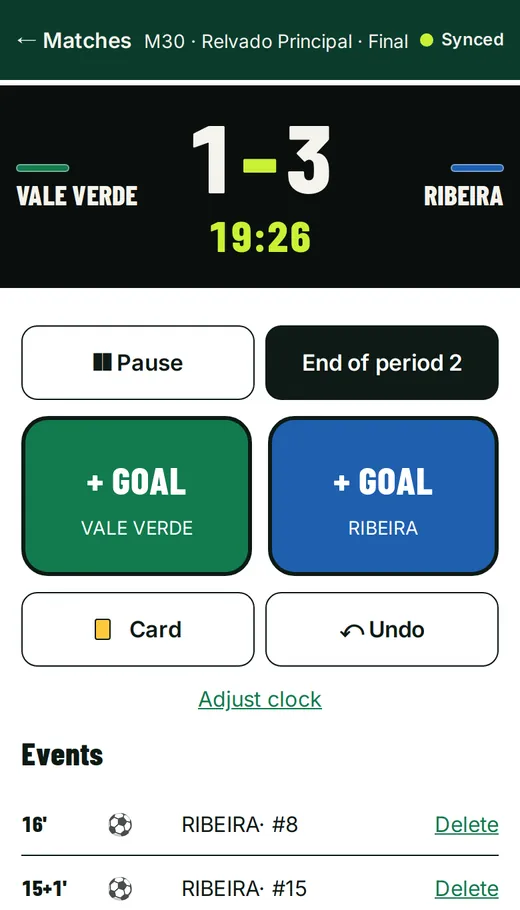
Each pitch needs an official to record the score and match events. In DorsalCUP, the official uses the web app on their phone and signs in with a PIN or QR code, with no account needed. They record goals with shirt numbers, cards and substitutions, and run the match clock in minutes and seconds.
Mobile signal at grounds is often patchy, so the app keeps working offline and syncs when the connection returns. Even so, give each official a paper sheet as a backup.
Live results and TV screens
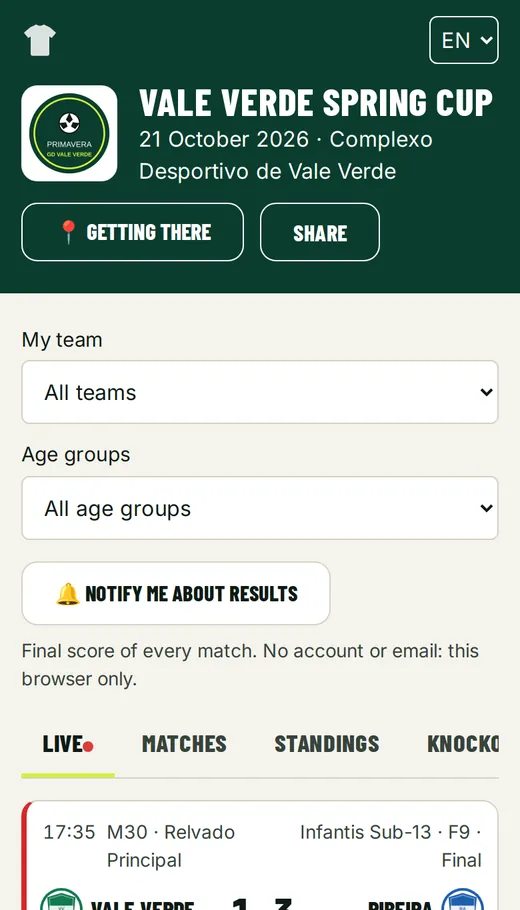
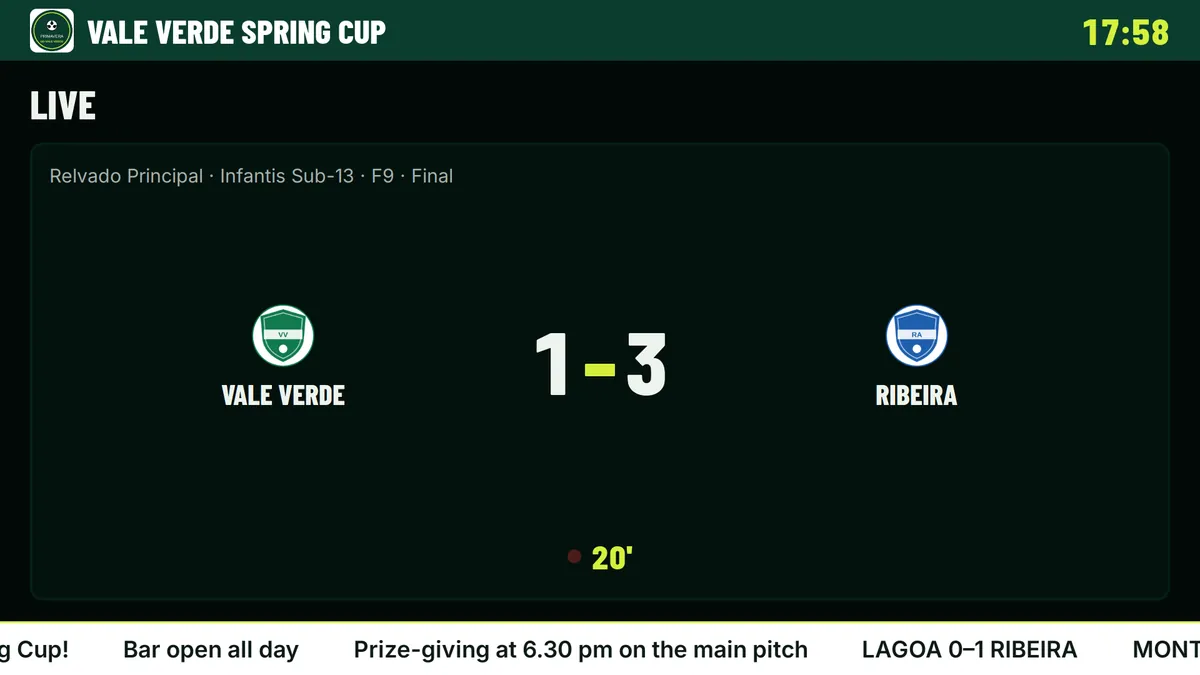
With results published as they happen, the public page shows matches in progress, group tables and the knockout bracket, and parents and coaches stop asking the organisers how the group is looking. Screens in the clubhouse or by the stand can show live matches, upcoming fixtures, tables, the bracket, a goal animation and a results ticker.
If parts of the venue have no signal, printing the tables at the end of each stage is still good practice.
Safety, weather and contingencies
A plan B prevents rushed decisions. Before the tournament, agree with your team what to do in heavy rain, thunderstorms or extreme heat, and who has the authority to suspend matches.
- Shade and drinking water available at every pitch.
- Drinks breaks midway through matches on hot days.
- Matches suspended immediately if there is lightning.
- Contact details for each club's team manager kept in one place.
- A clear route for an ambulance to reach the pitches.
Correcting results
Recording errors happen: a goal credited to the wrong team, a score entered the wrong way round. Agree beforehand who can correct results (usually the coordinator) to avoid uncontrolled changes. A correction in the group stage can change who goes through, so make it before the knockout matches start and tell the teams affected.
- A pitch official has lost their PIN: in Tournament day → Delegates, the organiser generates a new PIN and QR code for that delegate; the old one stops working.
- A team does not show up: in the pitch app, the official declares a no-show and the match is recorded as a walkover; if both teams are absent, the opponent in the next round goes through.
- A result needs correcting: in the schedule, Reopen match (↺) puts it back in play so it can be corrected and finished again; the next round updates (with a warning if it has already started) and the podium is recalculated.
Keeping parents informed
Parents want to know when and on which pitch their child is playing. An A4 poster with the public page's QR code, put up in several places around the venue, answers almost every question. On the page, each team has its own schedule, which can be added to a phone calendar.
Important announcements (delays, pitch changes, the time of the presentations) should also be made over the PA system or through the coaches.
Presentations and packing up
When the last match of the tournament ends, DorsalCUP completes the tournament automatically and shows the podium and final standings, which you can display on the screens during the ceremony. Sorting trophies and medals by age group and position beforehand speeds things up.
- Confirm the final standings before calling teams up.
- Take a photo of the podium for each age group.
- Thank the clubs, referees, officials and volunteers.
- Collect equipment and leave the venue tidy.
- Export the results and note down lessons for next year.